
Short on time? Get a summary of the article:
Creating a structured Instagram content calendar is the foundation of a successful digital communication strategy. This methodical approach allows brands and influencers to build a clear Instagram content strategy while maintaining a consistent presence and optimizing time and resources. Learn how to develop a high-performing editorial strategy that turns followers into an engaged community.
Clarify your Instagram marketing objectives
Before creating your Instagram content calendar, define clear and measurable marketing objectives. These SMART goals will guide your choice of formats and themes for your Instagram content.
Here are concrete examples by industry:
- E-commerce: Increase website traffic by 25% in 3 months through the link in bio
- Coach: Generate 50 qualified leads per month using interactive Stories
- Infopreneur: Achieve a 6% engagement rate on educational posts
- Local brand: Get 200 new geotagged mentions per quarter
These objectives will shape your content strategy: prioritizing Reels for brand awareness, carousels for education, or Stories for direct interaction with your community.

Identify your target audience and personas
To build a high-performing Instagram content calendar, start by analyzing your existing data. Go to the “Insights” section of your professional account to review the age, gender, location, and peak activity times of your current followers.
Next, create 2 to 3 detailed personas by defining:
- Demographic profile (age, profession, family situation)
- Interests and passions
- Everyday challenges
- Social media usage habits
These personas will guide your editorial choices. For a young, dynamic audience, prioritize Reels with a casual tone. For professionals, opt for informative carousels with a more formal style. This level of personalization significantly boosts your engagement and helps turn followers into your ideal customer.

Define your content pillars for a consistent editorial strategy
Content pillars form the backbone of your Instagram editorial calendar. These core themes ensure consistency in your communication and make it easier to generate content ideas. We recommend defining between 3 and 5 pillars to keep a clear content strategy without spreading yourself too thin.
Here are concrete examples by industry:
- Restaurant: kitchen behind the scenes, new dishes, team spotlights, special events
- Fitness coach: practical workouts, nutrition tips, client testimonials, daily motivation
- Fashion boutique: new arrivals, style inspiration, styling tips, behind-the-scenes creation
Educational, inspiring, human, or promotional content: how to balance them
The balance between your pillars determines the effectiveness of your Instagram editorial strategy. Apply the 80/20 rule: 80% Instagram content that delivers value (educational, inspiring, human) and a maximum of 20% promotional content.
Recommended breakdown in your content calendar:
| Content type | Suggested frequency | Main objective |
| Educational | 40% | Expertise and trust |
| Inspiring | 25% | Engagement and sharing |
| Human / Behind the scenes | 15% | Connection and authenticity |
| Promotional | 20% | Direct conversion |
Choose the formats that match your goals
Instagram offers several formats, each designed to serve specific objectives. Understanding their strengths helps you optimize your content calendar and improve your engagement rate.
Reels maximize visibility thanks to the algorithm’s preference for this format. Ideal for reaching new followers, they generate an average of 22% more engagement than classic posts, according to a Hootsuite 2024 study.
Carousels help retain your existing audience with educational or informative Instagram content. They encourage interaction through swiping and keep attention for longer.
Stories build proximity and convert effectively thanks to interactive features (polls, questions, links). They disappear after 24 hours, creating a sense of urgency.
Reels, Carousels, Stories: how to use them based on your content pillars
Match each format to your content pillars to maximize impact:
- Educational pillar: tip-based Carousels, short tutorial Reels, Q&A Stories
- Inspiration pillar: before/after Reels, aesthetic Posts, behind-the-scenes Stories
- Human pillar: spontaneous Stories, team Reels, testimonial Posts
- Promotional pillar: Stories with links, product Carousels, demo Reels
Rotate formats to keep things fresh—posting only Reels on Instagram can fatigue your audience. A balanced mix boosts both reach and engagement across your entire calendar.

Determine the ideal posting frequency
Finding the right posting rhythm on Instagram depends on your resources and your goals. A realistic frequency helps you maintain quality while staying visible.
For a balanced content calendar, aim for:
- 3 to 4 feed posts per week
- 1 to 2 Stories per day to maintain connection
- 2 Reels per week to maximize reach
Follow the 80/20 rule: 80% value-driven content (educational, inspiring) and 20% promotional content. This balance encourages natural engagement from your audience.
Start with a moderate frequency you can sustain over time. It’s better to publish 3 high-quality posts per week than 7 rushed posts that hurt your brand image.
Organize your content ideas to stay consistent
Once your posting frequency is defined, the next step is to structure your content ideas so you can stay consistent without stress. This methodical organization ensures you always have content ready to publish.
Idea generation method by format and by pillar
To easily generate 20 to 30 ideas per month, use this structured approach:
- Create a pillar × format matrix: list your 3–4 content pillars as columns and your formats (Reels, Carousels, Stories) as rows
- Fill each cell with 2–3 ideas: for example, for the “tips” pillar + “Carousel” format, write “5 mistakes to avoid on Instagram”
- Vary your angles: tutorials, testimonials, behind the scenes, trends, FAQs
Fidzup tip: build a backup content bank with 10 ready-to-post pieces. These evergreen posts will save you during unexpected gaps or creative blocks.
| Pillar | Reels | Carousels | Stories |
| Tips | Quick tutorial | Step-by-step guide | Q&A |
| Behind the scenes | BTS clips | Creative process | Team polls |
Create and structure your monthly editorial calendar
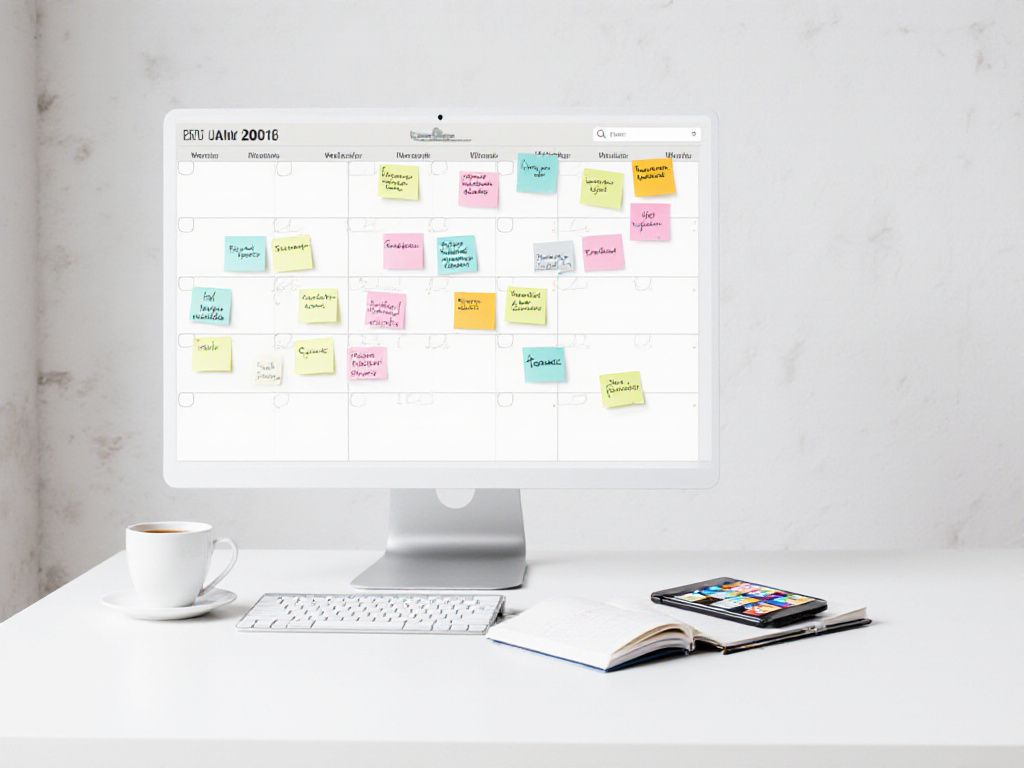
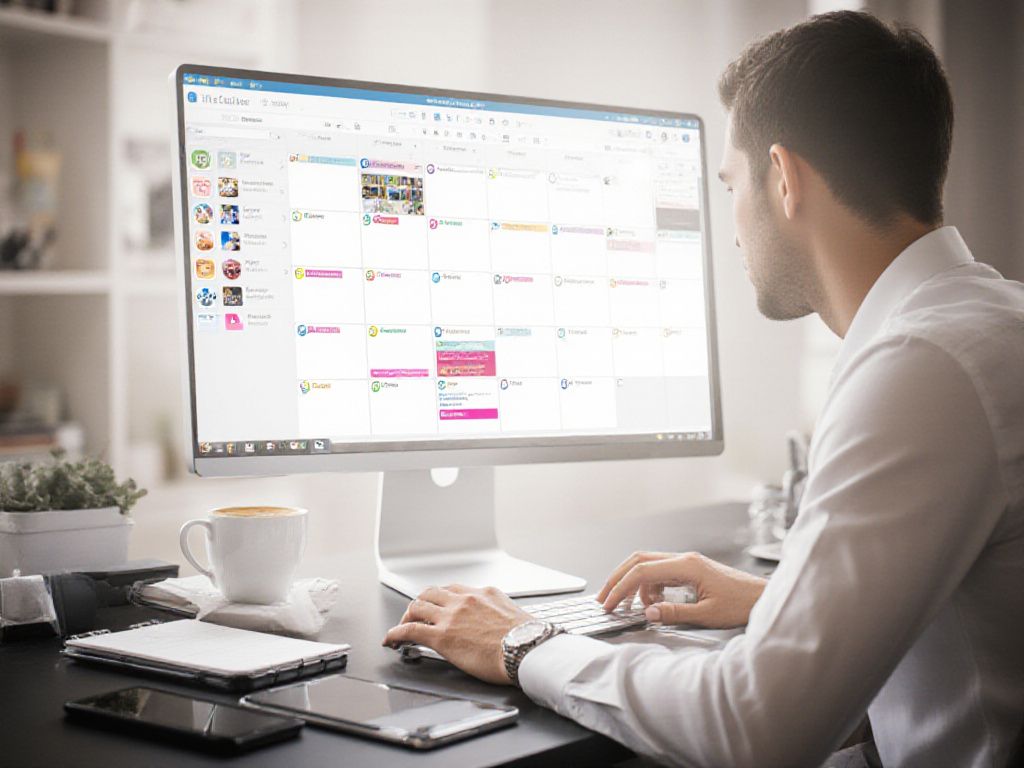
Once your ideas are organized, turn them into a visual monthly plan. Create a table in Google Sheets or Excel with the following columns: date, format, pillar, status, visual, link, and owner. This structure allows your team to track each post easily.
Here’s an example of a typical week:
| Date | Format | Pillar | Status | Assigned |
| Monday 3 | Carousel | Educational | Scheduled | Mary |
| Wednesday 5 | Reel | Inspiring | In progress | Paul |
| Friday 7 | Single post | Human | To create | Sophie |
Plan 80% of your Instagram content in advance and keep 20% flexible to react to trends or news. This approach ensures consistency while leaving room for spontaneity.
Write the captions and create the visuals
Once your Instagram content calendar is structured, it’s time to create! Your posts need to hook attention from the very first words. Start with a strong opening that speaks directly to your audience—a question, a statistic, or a bold statement. For captions, aim for 125–150 characters to maximize engagement, while keeping an authentic tone aligned with your pillars.
On the visual side, Canva remains the go-to tool for static posts thanks to its optimized Instagram templates. For Reels, CapCut and InShot offer advanced editing features. Don’t forget to adapt each format: square for the feed, vertical 9:16 for Reels and Stories. Always finish with a clear call to action to turn engagement into concrete results.

Schedule your posts with the right tools
Once your content is created, scheduling your Instagram posts becomes essential to maintain consistency without daily stress.
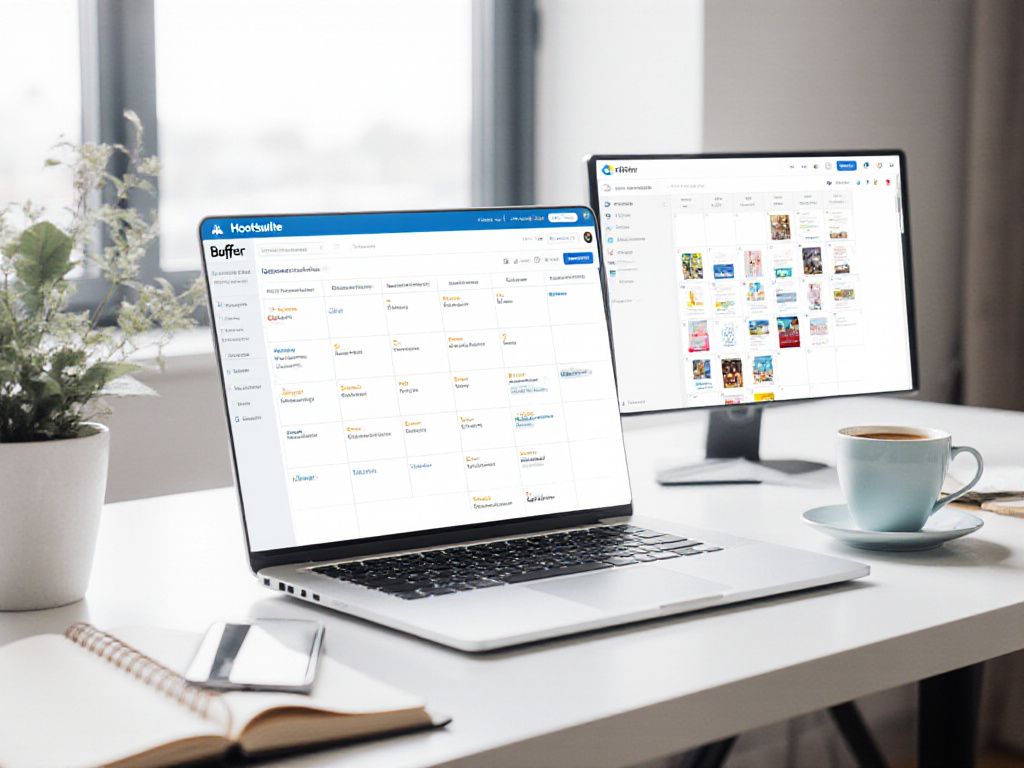
Scheduling tools like Metricool, Hootsuite, or Buffer let you plan posts and Stories several weeks in advance. These platforms also provide dashboards to track performance in real time.
For tighter budgets, Creator Studio (free) remains a solid option for scheduling directly from Facebook. Teams can also use Notion, Trello, or Google Sheets to organize their editorial calendar before manual posting.
This automation frees up time for engaging with your community and analyzing the results of your social media strategy.
Analyze performance and refine your strategy
Your Instagram content calendar isn’t set in stone. To keep an effective content strategy, review your key metrics monthly: engagement rate, reach, link clicks, and saves on your posts.
Use Instagram’s built-in analytics or tools like Metricool to assess performance. Identify your top-performing Instagram content: which formats drive the most interaction? Which pillars resonate most with your audience?
Then adjust your calendar accordingly—publish winning formats more often, test new posting times, or refine your themes. This data-driven approach turns your social media presence into a true growth engine for your brand.
Collaborate efficiently on an Instagram content calendar
When multiple people work on your Instagram content calendar, organization becomes essential. Clearly define roles: who writes the captions, who creates the visuals, who schedules the posts, and who approves the Instagram content.
For a team of 2 to 4 people, use collaborative calendar tools like a shared Google Sheets file or Trello. Create columns for each stage: idea, copywriting, visual creation, approval, and scheduling.
Set up a simple weekly routine:
- Monday: brainstorm ideas for the following week
- Wednesday: progress check on ongoing content
- Friday: final approval and scheduling
This method avoids duplication and ensures every team member knows their responsibilities and deadlines.

Anticipate key moments of the year in your calendar
An effective content calendar is built around key moments throughout the year. Identify the important dates for your industry: Valentine’s Day for florists, back-to-school season for family brands, Black Friday for e-commerce.
Plan your content ideas three months in advance around these key periods. For example, prepare special Christmas Instagram content as early as October, or anticipate summer sales in May.
- Themed international days (Women’s Day, Environment Day)
- Industry events (trade shows, product launches)
- Seasons and weather (beach content in summer, cozy themes in winter)
This forward planning allows you to create high-quality content without stress and maximize the impact of each post at the right time.
 English
  French