
Short on time? Get a summary of the article:
Instagram has become a must-have platform for growing online sales. With 182 million active users in the United states of America, this social network offers huge commercial potential for businesses of all sizes. Learn how to turn your account into a true digital storefront and maximize your revenue using built-in shopping features.
Why selling on Instagram is a real opportunity for your business
Instagram has become an essential sales channel for American businesses today. With more than 182 million monthly active users in the USA spending an average of 53 minutes a day on the platform, this social network represents massive commercial potential.
This platform is especially popular with 18–34-year-olds, an age group with deeply ingrained digital shopping habits. Data shows that 83% of users discover new products on Instagram and 90% follow at least one brand.
The best-performing industries include:
- Fashion and accessories
- Cosmetics and wellness
- Home decor and lifestyle
- Artisan food and gourmet products
For local brands and niche creators, Instagram provides an accessible showcase where authenticity matters more than big ad budgets. This democratization of online selling allows small businesses to compete with major brands through creative, engaging content.

Creating a professional profile optimized for selling on Instagram
Turning your personal account into a professional profile is the first step to selling on Instagram effectively. This switch is free and can be done in your account settings by selecting “Switch to a professional account.”
Your Instagram page needs to build trust at first glance. Choose a clear profile photo that represents your brand or logo, then write a punchy bio in no more than 150 characters. That bio should clearly highlight your products and include a call to action.
The link in your bio is your gateway to your Instagram shop or website. Use tools like Linktree to send visitors to multiple destinations. Complete your profile with contact details, business hours, and your activity category to make it easy for potential customers to get in touch.

Setting up Instagram Shopping to sell your products
To turn your Instagram account into a true Instagram shop, setting up Instagram Shopping is a must. This feature lets users buy directly from your posts, creating a seamless shopping experience that can significantly boost your conversions.
Creating and connecting a product catalog
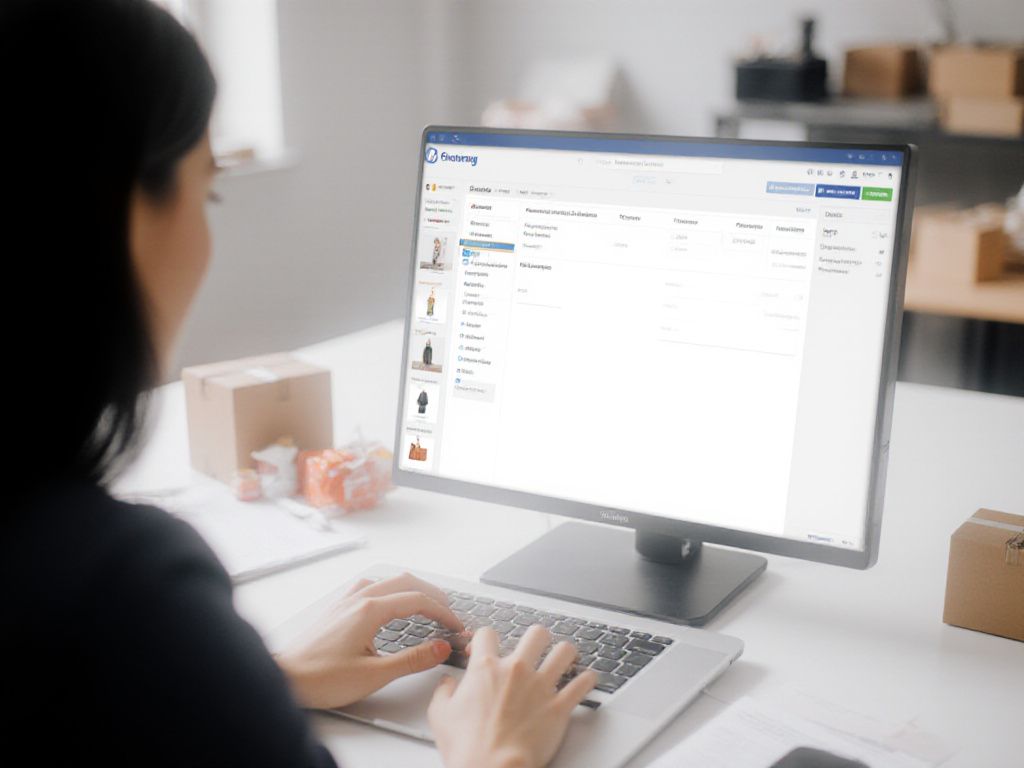
Before activating Instagram Shopping, you need to create a product catalog through Facebook Business Manager. This platform centralizes the management of your Instagram products and automatically syncs your inventory.
- Create a Facebook Business Manager account if you don’t already have one
- Add your website and verify your domain
- Import your products using a CSV file or connect your Shopify store directly
- Comply with Meta’s commerce policies (legal products, accurate descriptions, high-quality images)
For american merchants using Shopify, WooCommerce, or PrestaShop, built-in integrations make this syncing easy. Any price or stock updates are automatically reflected on Instagram.
Activating the Shopping feature on Instagram
Once your catalog is set up, activating shopping features follows a simple but structured process:
- Go to your Instagram professional account settings
- Select “Shopping” under the “Business” section
- Connect your Facebook Business Manager catalog
- Wait for Meta’s approval (usually 24 to 72 hours)
Eligibility requirements include a verified professional account, a fully functional website with clear sales terms, and compliance with american e-commerce regulations. Once approved, the “Shop” tab appears on your profile, and you can start selling on Instagram by tagging products in your posts.
How to tag your products in Instagram posts
Product tagging on Instagram turns your posts into real points of sale. This feature lets users discover and purchase your items directly from your Instagram posts, Instagram Stories, and Reels.
To tag a product, publish your content, then select “Tag products.” Choose the item from your synced catalog and place the tag on the image. You can add up to 5 tags per photo and up to 20 products in a carousel.
Best practices include:
- Placing tags close to the visible products
- Avoiding too many tags, which can hurt visual appeal
- Using high-quality visuals that showcase your items
- Tagging only products that are clearly identifiable
This approach greatly improves the shopping experience by cutting down the steps between discovery and purchase, which helps increase conversions on Instagram Shopping.

Creating compelling content to drive sales
Creating high-quality visual content is the foundation of commercial success on Instagram. The platform prioritizes aesthetics and engagement, turning every post into a sales opportunity. From polished photos to interactive Instagram Stories and dynamic Reels, your shop has multiple formats to attract and convert your audience.
Creating visually engaging posts
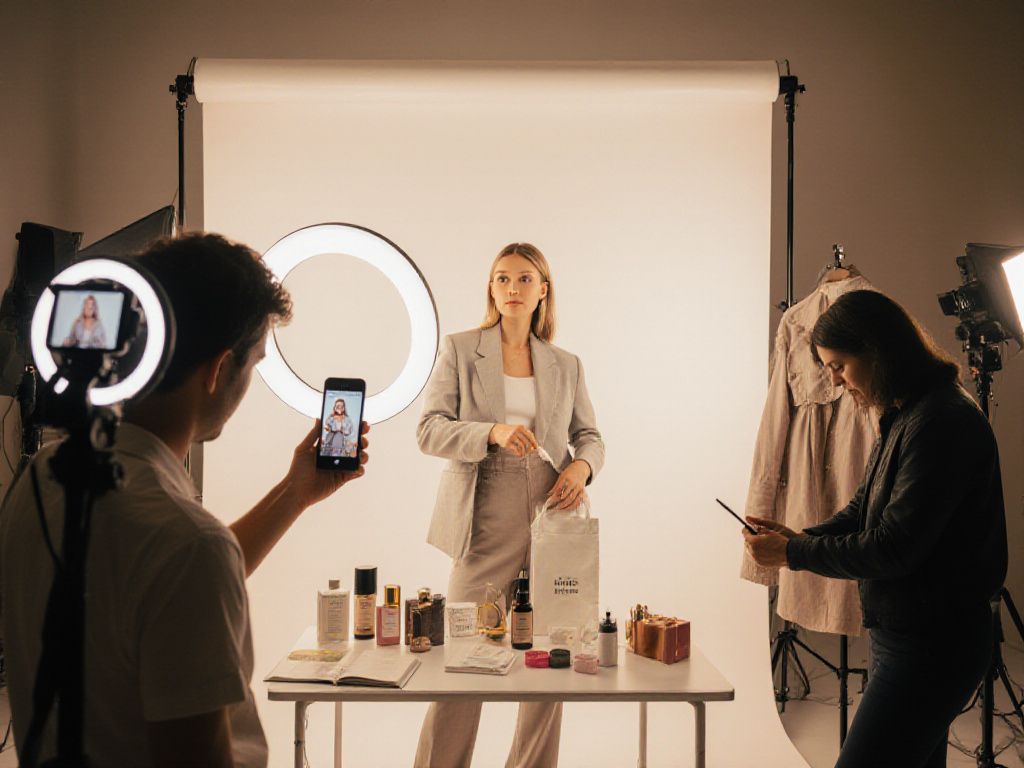
Your product photos should tell a story and spark emotion. Use natural lighting and varied angles to showcase your items. Create setups that stay true to your brand’s identity:
- Use a harmonious color palette to reinforce your visual identity
- Mix up your shots: close-ups, wide views, and in-use scenes
- Add decorative elements that complement your products
- Keep image quality consistent, with a minimum resolution of 1080×1080 pixels
Carousels let you showcase multiple angles of the same product or create visual tutorials. According to Instagram stats, this format generates 1.4× more engagement than single-image posts.
Using Stories and Reels to promote your products
Instagram Stories offer a spontaneous format that’s perfect for creating a sense of urgency around sales. Take advantage of their interactive features:
- Polls to learn your audience’s preferences
- Q&A stickers to answer questions about your products
- Countdown timers to announce limited-time promotions
- Location stickers to attract local customers
Reels help your content reach a wider audience thanks to an algorithm that favors this format. Create short videos showing your products in action, before-and-after transformations, or behind-the-scenes moments from your business.
Making the most out of user-generated content (UGC)
UGC is a highly effective form of authentic recommendation when it comes to sales. Encourage your customers to share their purchases:
| Technique | Advantage | Implementation |
| Brand hashtag | Brings the community together | Create a unique hashtag and encourage people to use it |
| Photo contest | Drives engagement | Ask for photos featuring your products in exchange for rewards |
| Customer repost | Builds trust | Share posts from happy customers with their permission |
This strategy turns your customers into ambassadors, strengthening your shop’s credibility while reducing your content production costs.
Boosting your sales with effective marketing techniques
Once your content is ready, it’s time to get it seen and drive more sales. Social networks offer plenty of opportunities to reach your target audience and turn visitors into customers. Let’s take a look at three proven techniques that can significantly increase your Instagram sales.
Using relevant hashtags to increase reach
Hashtags are still an effective way to increase the visibility of your products. Instagram allows up to 30 hashtags per post, but quality matters more than quantity.
- Mix popular hashtags (#fashion, #beauty) with niche hashtags (#handmadejewelry, #sustainablefashion)
- Create a unique hashtag for your brand (#YourShop2025)
- Vary your hashtags based on the type of post (product, lifestyle, behind the scenes)
- Analyze the hashtags used by your direct competitors
A balanced approach is to use 70% targeted hashtags and 30% popular hashtags to maximize your reach.
Partnering with influencers to boost visibility
Partnerships with influencers can transform your Instagram selling strategy. Even micro-influencers (1,000 to 100,000 followers) often generate higher engagement rates than major celebrities.
- Identify influencers whose values align with your brand
- Offer product exchanges or paid partnerships
- Create exclusive promo codes to measure impact
- Encourage authentic content rather than direct advertising
A successful partnership can generate three to ten times more engagement than a standard post.
Running contests and promotions on Instagram
Contests drive engagement and attract new potential customers. This tactic helps create buzz around your products while growing your community.
| Contest type | Goal | Average engagement |
| Photo contest | User-generated content | +64% |
| Tag-a-friend | New followers | +48% |
| Product quiz | Customer education | +52% |
Set clear rules, offer appealing prizes tied to your products, and use a dedicated hashtag to make it easy to track entries.

Analyzing your account’s performance to improve sales
Measuring how effective your Instagram sales strategy is requires tracking specific metrics. Instagram Insights, available for free from your professional page, provides valuable performance data.
Key metrics to watch include the engagement rate (likes, comments, shares), which shows how interested users are in your content. Also track clicks on your bio link — a direct signal of purchase intent — along with views and interactions on your product Stories.
To access this data, go to the “Insights” tab on your profile. Look at the posts that generate the most conversions and replicate what works — format, posting time, and type of content.
Regularly auditing these metrics lets you fine-tune your strategy and identify the most effective levers for your Instagram sales. This data forms the foundation for making informed marketing decisions.
Can you sell on Instagram without a website?
Yes, it’s absolutely possible to sell on Instagram without having an e-commerce website. Several methods let you sell your products directly on the platform.
The first option is to use direct messages to handle orders. Your customers contact you via DM, you confirm availability and details, then send an external payment link such as PayPal or Lydia.
Another option is to use an Instagram shop with redirects to third-party platforms. You can tag your products and send users to services like Etsy, Amazon, or direct payment platforms.
These methods have the advantage of being free and quick to set up. However, they limit sales automation and require more time to manage each transaction individually. For small businesses getting started on social networks, this is a great way to test the market before investing in a full online store.

Hosting live selling sessions on Instagram
Instagram Lives turn your account into a fully interactive shop. This feature lets you showcase your products in real time, creating an immersive shopping experience for your customers.
Prepare your session in advance: test your connection, get your items ready with references and prices, and promote the event through your Instagram Stories to maximize attendance. During the live, show each product from different angles, answer questions in real time, and create a sense of urgency with limited-time offers.
To make ordering easier, use multiple options:
- Direct messages with PayPal or Stripe payment links
- Exclusive promo codes to use on your shop
- Redirects to your tagged products via Instagram Shopping
This direct approach builds trust and significantly boosts your sales thanks to genuine human interaction.

Frequently asked questions
Is selling on Instagram free?
Absolutely — Instagram Shopping is completely free. There are no fees for tagging your products or creating an online shop on the platform.
Can you sell on Instagram in the USA?
Yes, it’s perfectly legal. In the United States, you can sell on Instagram as an independent seller or business, as long as you follow applicable commercial and tax regulations. This activity allows you to showcase your products and interact directly with your community.
What are the steps to sell on Instagram?
To sell on Instagram, follow these key steps:
- Sync your product catalog with Facebook Shop
- Connect your Instagram profile to your Facebook Business account
- Enable Instagram Shopping
- Upload your product photos and tag them
How do you receive payments on Instagram?
Instagram offers several monetization options to sell and earn money:
- Creator Marketplace
- Badges and gifts system
- Paid subscriptions
- Content bonuses
 English
  French